
Ethereum Classic wallets like Trust and Coinomi not working [SOLUTION]
Trust and Coinomi wallet users were facing issues in sending and receiving their Ethereum Classic (ETC) coins. The reason was the nodes being used by the wallets went offline. The chain is still active and miners are keeping it as secure as they can.
So, how do you move or even sell your Ethereum Classic?
For this you will need Metamask on your desktop computer. Also, you will need to extract private key from your coinomi or Trust wallet.
In the Metamask, go to Networks > Add a custom network.
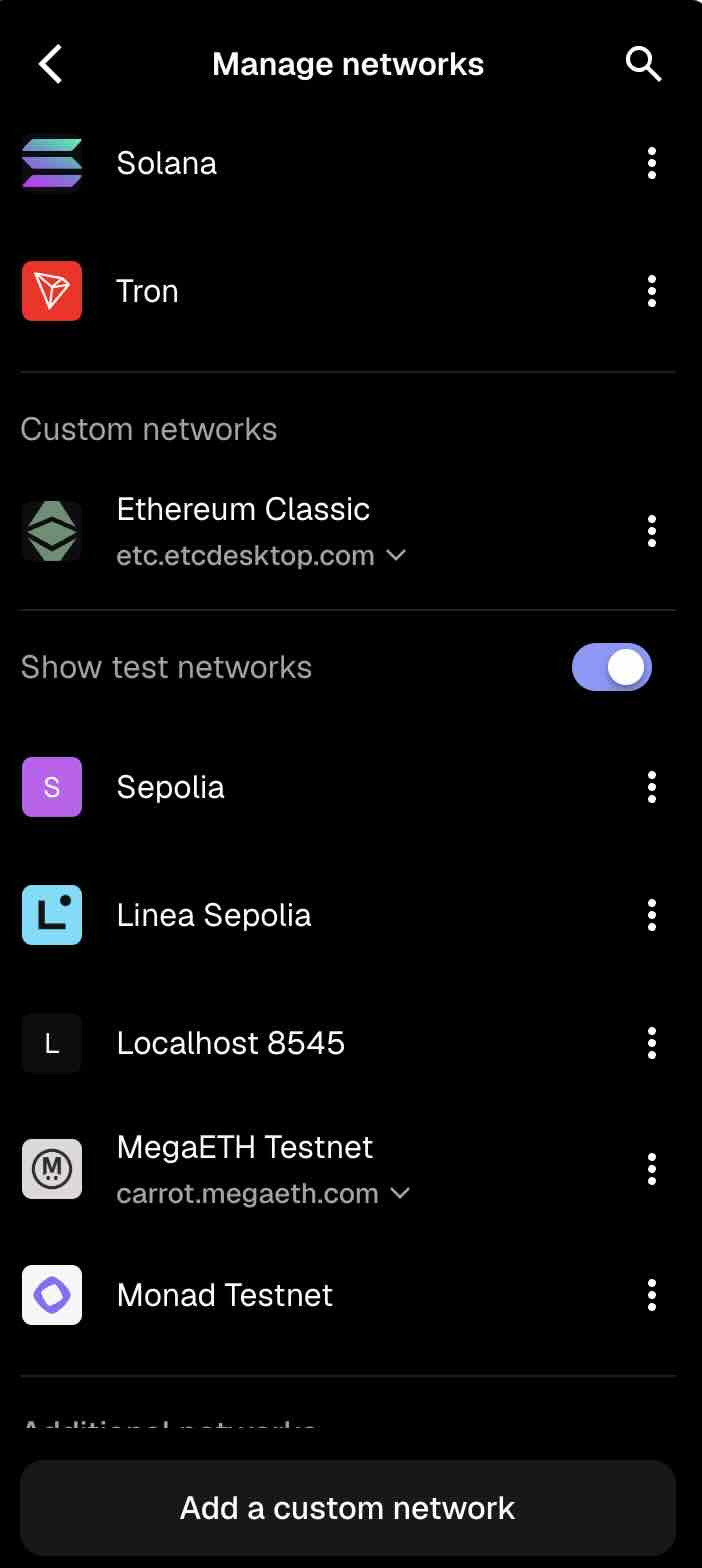
Add these details:
Network name: Ethereum Classic
Default RPC URL: https://etc.etcdesktop.com
Chain ID: 61
Currency symbol: ETC
Blockscout URL: etc.blockscout.com
Everything should work fine as expected. From the drop down, select Ethereum Classic as your network. You can find list of working nodes on this chainid.network page – https://chainid.network/chain/61/
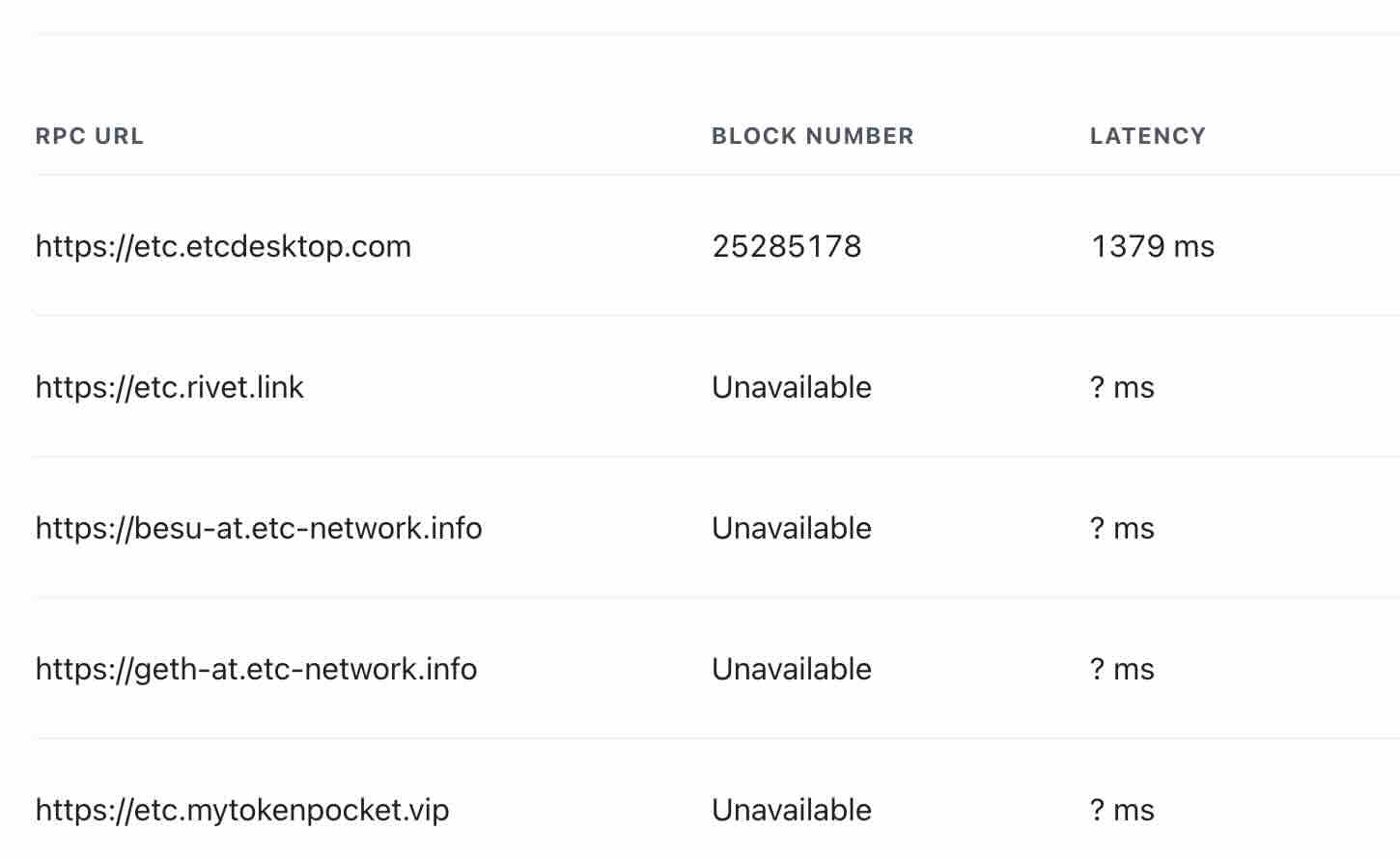
At the time of writing of this article, all except the etc.etcdesktop.com node are offline, which is why all software wallets are down. Unfortunately, one cannot edit the nodes on Trust or Coinomi wallet and you would have to use Metamask on desktop computer to get it done.
Did you find this article useful? Feel free to donate us some ETC!
0xac302c74561bd2b31f6dcd0351b3d6484f15abc1